
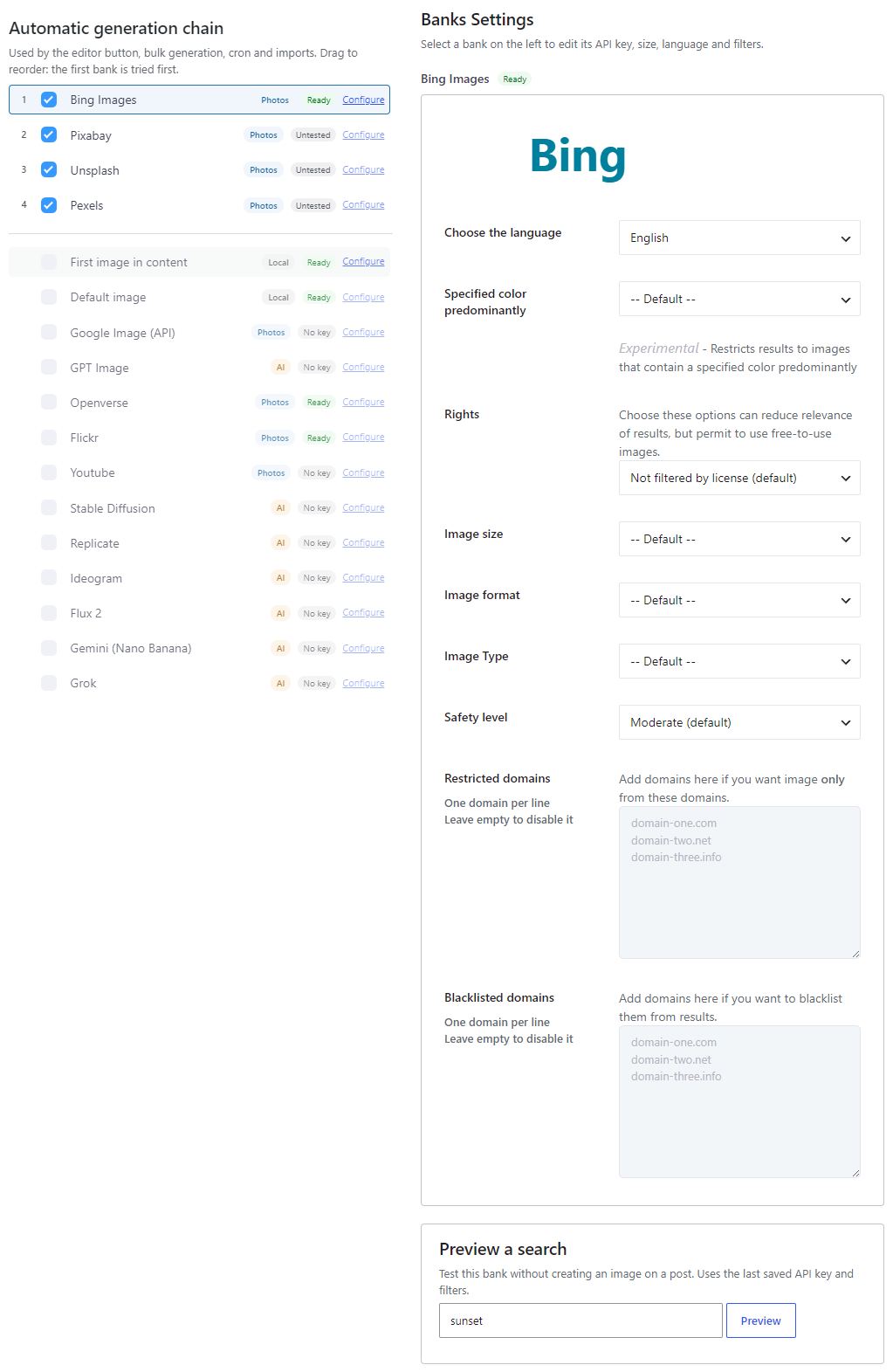
Magic Post Thumbnail generates featured images and in-content images for WordPress posts, pages and custom post types. You build a fallback chain of image sources on Source. If the first bank fails, the next one is tried.
Version 7 defaults to Bing Images (no API key). GPT Image replaces DALL·E. Envato and Google HTML scraping were removed. Pro adds dedicated AI banks: Ideogram, Flux 2, Gemini (Nano Banana), Grok and Replicate. You can also use local banks: First image in content and Default image.
Image families #
Banks on Source are tagged Photos, AI or Local.
Photos — search existing photos:
- Bing Images (default, no API key)
- Google Image (API)
- Openverse, Flickr, Pixabay
- Pro: Youtube, Unsplash, Pexels
AI — generate a new image (provider credits, typically 10–90 seconds):
- GPT Image (replaces DALL·E)
- Pro: Stable Diffusion, Replicate, Ideogram, Flux 2, Gemini (Nano Banana), Grok
Local — no remote search:
- First image in content
- Default image
What changed in version 7 #
These updates are part of this article — there is no separate “What’s new” page.
- Bing Images is the default free photo source. Google HTML scraping is gone (existing settings are migrated). Envato is gone.
- GPT Image replaces DALL·E. Existing OpenAI keys are migrated.
- New Pro AI banks: Ideogram, Flux 2, Gemini (Nano Banana), Grok, plus Replicate.
- New local banks: First image in content and Default image.
- The Dashboard shows Your configuration (Ready to generate / Needs attention) and Generate a test image.
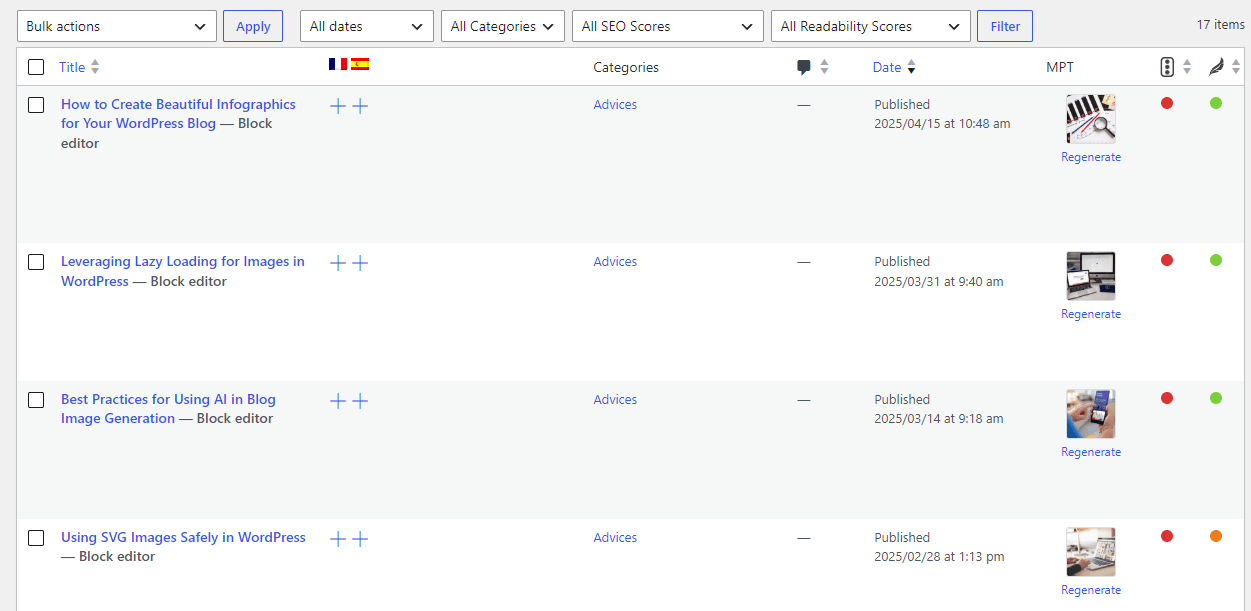
- Posts list: an MPT column with Generate or Regenerate.
- Gutenberg / the MPT Images block is photo search only. AI banks are not searched from the block.
- Source is the fallback chain for automatic generation (editor button, bulk, cron, imports).
- Style (and No text on the image) apply to AI banks only. Photo banks ignore them.
- Brand overlay is Disabled by default.
Six ways to generate #
- Dashboard — Generate a test image (creates a draft so live posts stay untouched). See Dashboard.
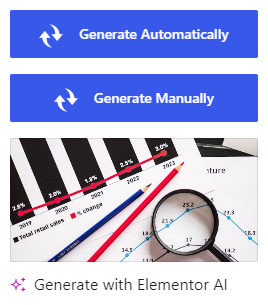
- Post editor — click Generate Automatically next to the featured image (Gutenberg or Classic). Optionally click Generate Manually to open photo search.
- Posts list — MPT column: Generate if there is no featured image, Regenerate if there is one (a different result).
- Bulk — select posts, Bulk actions → Generate Images (MPT).
- MPT Images block — search photo banks and insert or set a featured image.
- Pro — Cron and imports / compatibility (WP All Import, WPeMatico, FeedWordPress, REST, and others).
Taxonomies also have a Generate featured images row action.
Three things that are easy to mix up #
- Source → Automatic generation chain — fallback order for auto / bulk / cron / imports. Drag to set priority.
- Style (Automatic) — AI banks only. Photo banks (Bing, Pexels…) ignore this.
- Gutenberg Block / MPT Images — photo search only. Choose those banks on the Gutenberg Block page, not on Source.
Next: Requirements and How to use Magic Post Thumbnail.


