
Configuring Rights
The Rights screen (plugin menu: Miscellaneous > Rights) controls which WordPress roles can open the Magic Post Thumbnail admin, including the Dashboard, Source, Automatic, Gutenberg Block, and the other plugin pages.
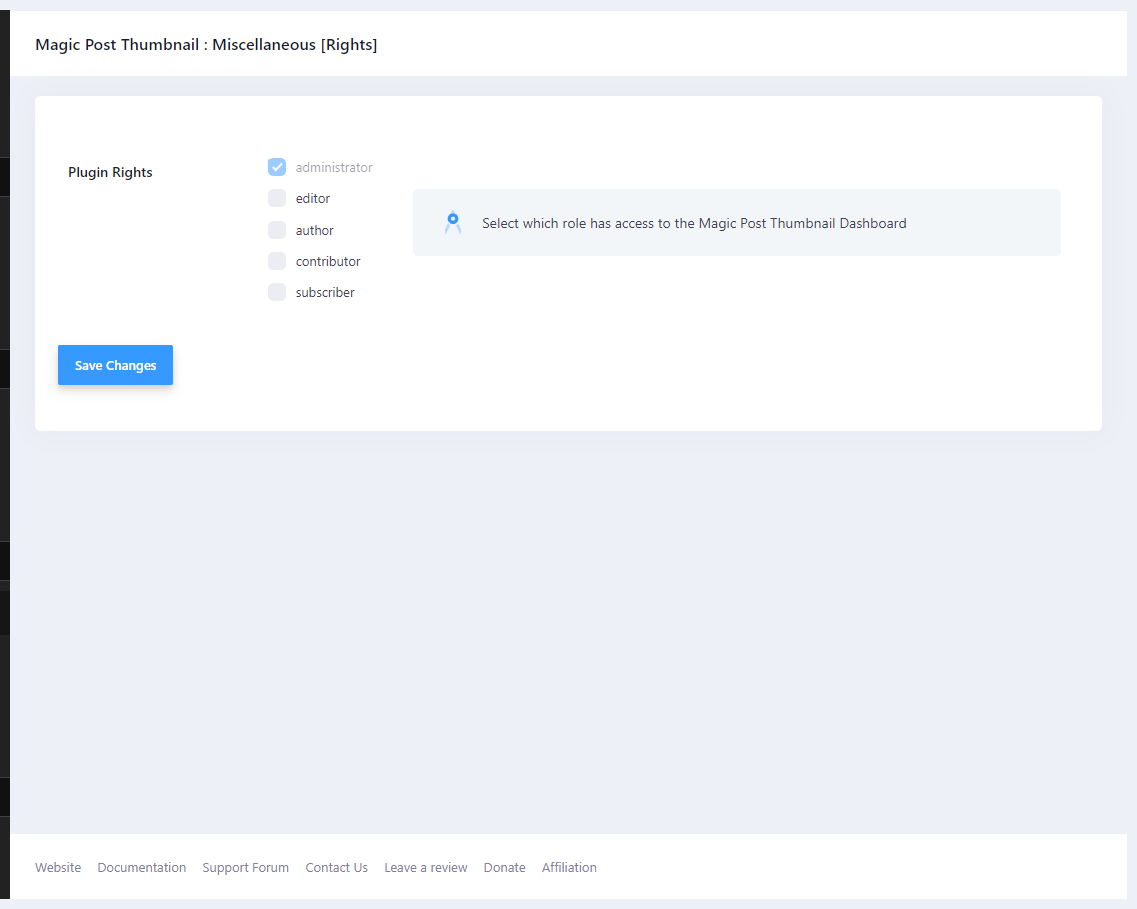
Plugin Rights #
- administrator — always enabled. The checkbox is checked and disabled.
- editor — optional.
- author — optional.
- contributor — optional.
- subscriber — optional.
The help text is: Select which role has access to the Magic Post Thumbnail Dashboard.
By default only administrators have access. Checking a role grants that role the plugin capability used for menus and settings. Unchecking it removes the capability (administrators are never removed).
What this does not change #
This does not replace WordPress capabilities for editing posts. A user still needs permission to edit a post in order to click Generate on that post. Scheduled cron, REST, and import jobs keep running without Dashboard access.


