
YouTube does not return stock photos. The plugin searches YouTube with the Data API and uses video thumbnails as featured images. You must provide your own Google API key with the YouTube Data API enabled.
Pro. This bank is locked on the Free plan (Pro badge on Source).
Source badge: Photos.
Gutenberg: yes. Enable it as a search tab on Magic Post Thumbnail → Gutenberg Block. API keys and filters stay on Source.
Open the bank in Source #
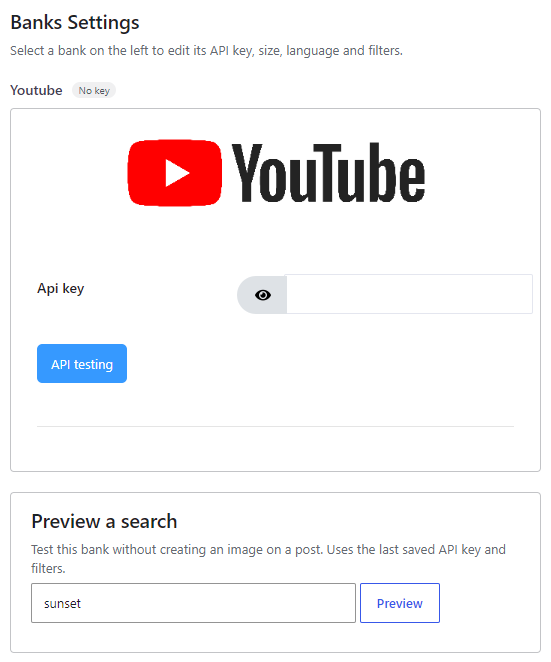
In version 7, banks are configured from Magic Post Thumbnail → Source. Click the bank in the left column (or tick it to add it to the chain), then click Configure. The Banks Settings panel opens on the right. Save when you are done.
The left column is the Automatic generation chain used by the editor button, bulk generation, cron and imports. Drag to set priority: the first bank is tried first. Unchecked banks sit below the chain.
Get a Google / YouTube API key #
- In Google Cloud Console, create or select a project.
- Enable YouTube Data API v3 (Library).
- Create an API key under Credentials.
- Paste it into the Source panel, click API testing, then Save.
Google’s overview of API credentials is here: API key prerequisites. For this bank you need the YouTube Data API, not Custom Search.
Options #
- Api key — required. This panel has no extra filters (language, size, licence): the plugin requests video search results and takes their thumbnails.


