
Magic Post Thumbnail needs:
- WordPress 6.0 or newer (tested up to WordPress 7.0.4)
- PHP 7.3 or newer
The plugin runs in the WordPress admin only. It does not load on the front of the site, so it does not affect visitor-facing cache plugins.
API keys and the chain #
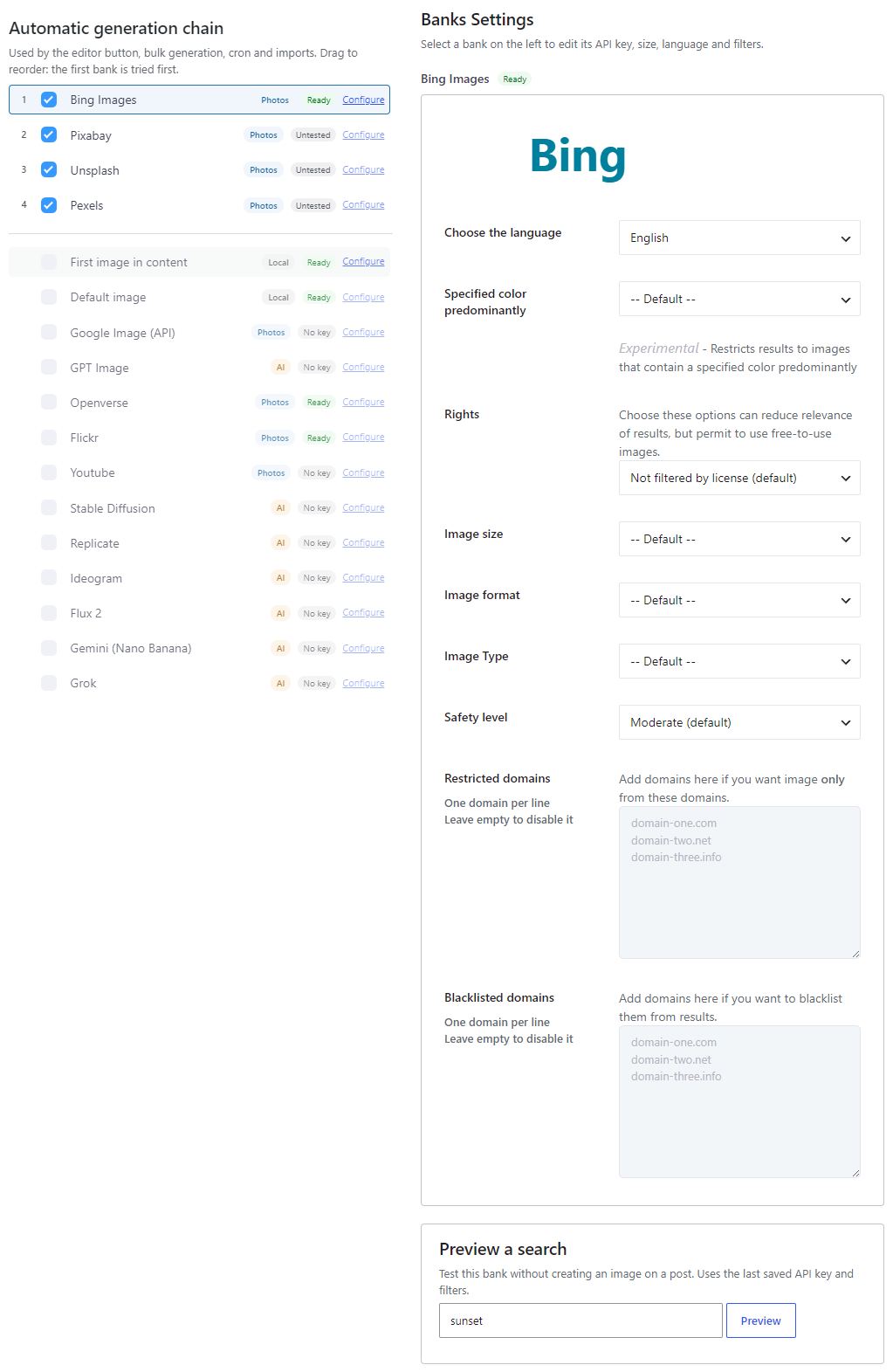
Which keys you need depends on the Automatic generation chain on Source.
- Bing Images has no API key. Heavy use can hit rate limits; space out bulk jobs if Bing stops returning results.
- First image in content needs an image already in the post.
- Default image needs a media file chosen in that bank’s settings.
- Other photo and AI banks need their own API key. Status badges on Source: Ready, No key, Untested, Key OK, Key failed.
AI generation typically takes 10 to 90 seconds and uses the provider’s credits (OpenAI, Ideogram, xAI, Google, Replicate, Stability, and so on).
Dashboard health #
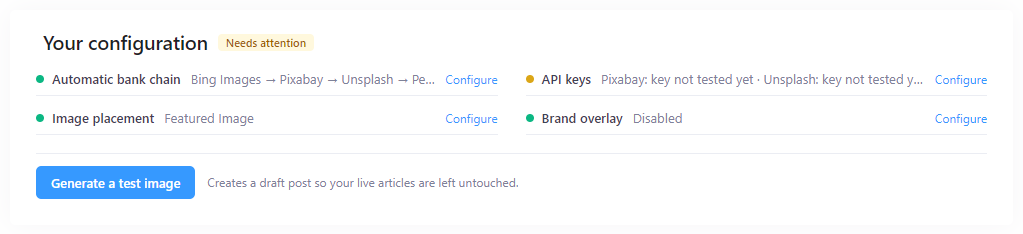
Open Magic Post Thumbnail → Dashboard. Your configuration shows Ready to generate or Needs attention. It checks the chain, API keys, image placement and Brand overlay. Use Generate a test image when the first bank is ready.
See Dashboard.
Performance #
Admin impact is low until you generate. Photo searches are usually a few seconds. AI calls are slower (often 20–90 seconds for GPT Image). PHP GD is required if you enable Brand overlay.
There is no special front-office tuning to do with caching plugins.


